
Check a Pittman Center Warrant
For a Pittman Center citation or missed town-court date, start with the town's Police Department and Municipal Court at 865-436-5499. Have the citation number, the name shown on the ticket, and the court date ready; if the paper is missing, give the clerk your full name and the best date range you can recall. Ask whether the issue is a payment balance, a scheduled appearance, or a court order. Those are different records and can call for different next steps.
- Read the town citation and note the citation number, listed appearance date, and instructions.
- Call the town at 865-436-5499 during office hours; there is no public name-search portal.
- Ask whether the record is a citation, a missed appearance, a balance, or a warrant-related court action.
- If payment is appropriate, confirm the accepted method and whether the court still requires an appearance.
- For county charges, contact the county court or sheriff separately; seek a Tennessee lawyer for advice about a particular case.
Pittman Center Warrant Checks
A town-code citation may direct someone to appear instead of being arrested. Noncompliance can lead to further court action, but the code does not confirm that a warrant was ordered in any particular case. Call with the citation number and ask the clerk what the docket says now; do not infer a warrant from an unpaid amount or missed date alone.
Pittman Center Police and Municipal Court
Town police, citation, and municipal-court questions start through one local office at 865-436-5499. Its Police Department page gives the law-enforcement route, but the town does not publish an online warrant search by name. Court staff must confirm whether a date or order remains due.
The office is at 2839 Webb Creek Road, Sevierville, TN 37876, and is listed open Monday through Friday, 8 a.m. to 4 p.m. Call before visiting for a case-status answer or copy request.
Pittman Center Court Contact
Use the town number to distinguish a police question, citation balance, and request for a judge's decision. State the document type and date, then ask whether the clerk can answer by phone or needs a written request or visit. A phone call alone does not reset a court date or change an order; get any new direction from the court.
Types of Pittman Center Warrants
Town-level matters most often begin as a citation or an order to appear. A later failure to comply can require court review, but a citation, fine, and warrant are not interchangeable labels. The issuing authority and the case paper matter, especially if a separate county criminal charge is involved.
| Warrant Type | How It Arises | Who Issues It |
|---|---|---|
| Traffic citation or warrant-related order | Unresolved town traffic citation or a court response after a missed setting | Pittman Center Municipal Court, as shown by the case record |
| Town-code citation | Alleged violation of a municipal ordinance, sometimes issued with an agreement to appear | Pittman Center Municipal Court |
| Failure-to-appear matter | Noncompliance with a citation or required court appearance; confirm whether a warrant was actually ordered | Town court or judge |
| Criminal arrest warrant | Separate criminal case requiring judicial authorization | Issuing magistrate or court; county agencies may be involved |
Pittman Center Citation Payments
The town lists phone, mail, and in-person payment. It accepts a personal check with the bank-printed name and address, a money order, or a cashier's check; card or debit payment by phone may carry a fee. Confirm the payee, destination, amount, fee, and any appearance requirement with staff before sending money. A receipt does not prove that a past-due court setting is closed.
What a Pittman Center Warrant Record Shows
A town record may identify the citation or cause, the person named, the alleged code or traffic issue, the court, the balance, and the next required action. Pittman Center does not expose a public warrant-result screen, so these are fields to ask about in a town-held record, not a promise that an online match is available. Compare spelling and dates against the paper you received.
| Warrant / Cause Number | Use the number printed on the citation or supplied by the clerk; no public local format is documented. |
|---|---|
| Subject Name | Check the full name and spelling against the person and citation named in the town file. |
| Charge / Offense | Read the specific traffic or municipal-code allegation; ask the clerk to distinguish a citation from a later court order. |
| Issuing Court | Pittman Center Municipal Court for town matters, as confirmed by the record. |
| Bond / Fine Amount | Ask whether a listed amount is a fine, cost, or bond and whether any court date remains. |
| Status | Request current case status and whether a setting or court order is still outstanding. |
Pittman Center Citation Follow Up
Keep the citation, notices, receipt, and written directions together. Give the clerk the citation number and date, then ask for the current balance, next appearance, and whether a judge must approve any request. The payment page is not a warrant lookup; for a disputed charge or court order, ask a licensed Tennessee attorney for advice.
Pittman Center Warrants and Sevier County
A Pittman Center citation or town-court warrant remains a town case even if county officers later serve an order; county arrest matters and General Sessions cases follow a separate route. Tennessee does not provide a public statewide active-warrant name search, and the Sevier County jail roster reports custody rather than every outstanding warrant. Use the county overview and search guide for those separate channels.
Warrant flow: Pittman Center Municipal Court / Police › Sevier County Sheriff › no public statewide active-warrant name search
For a town citation, call Pittman Center first. For a county case, use Sevier County warrant records and the county warrant search guide; an empty result in one place does not answer for the other.
Pittman Center Warrant Access
The town has no public warrant-name or case-status search. Call 865-436-5499 or ask how to request an existing citation, docket entry, payment record, or order. Access depends on the record and legal exceptions; juvenile, sealed, and protected details may be withheld or redacted. Confirm the request method and any copy charge before visiting.
Public Access to Pittman Center Warrant Records
Pittman Center handles requests for town-held records through its local office. Tennessee's public-records law allows access to qualifying government records, subject to statutory exceptions and record-specific limits. Juvenile court files have separate confidentiality protections, so a request should identify an existing public town record without assuming that every name, attachment, or case detail can be released.
Key Rules:
Tennessee Public Records Act, T.C.A. § 10-7-503 - establishes public access to qualifying state and local government records, subject to exceptions.
T.C.A. § 10-7-504 - lists records and information that are confidential or otherwise excepted from public inspection.
T.C.A. § 37-1-153 - protects juvenile court records, with access limited by law.
Pittman Center Warrant Route by Phone
Pittman Center had 454 residents in the 2020 Census. The town has published a monthly court schedule in the past, but a dated calendar may not reflect the current docket. Call the clerk during listed weekday hours to confirm a setting or ask how to request a specific town record.
Name the document you need, such as a citation, docket entry, payment record, or court order. The town route is direct, but it is not an online warrant list.
Open the official Pittman Center citation payment instructions for the current town route.
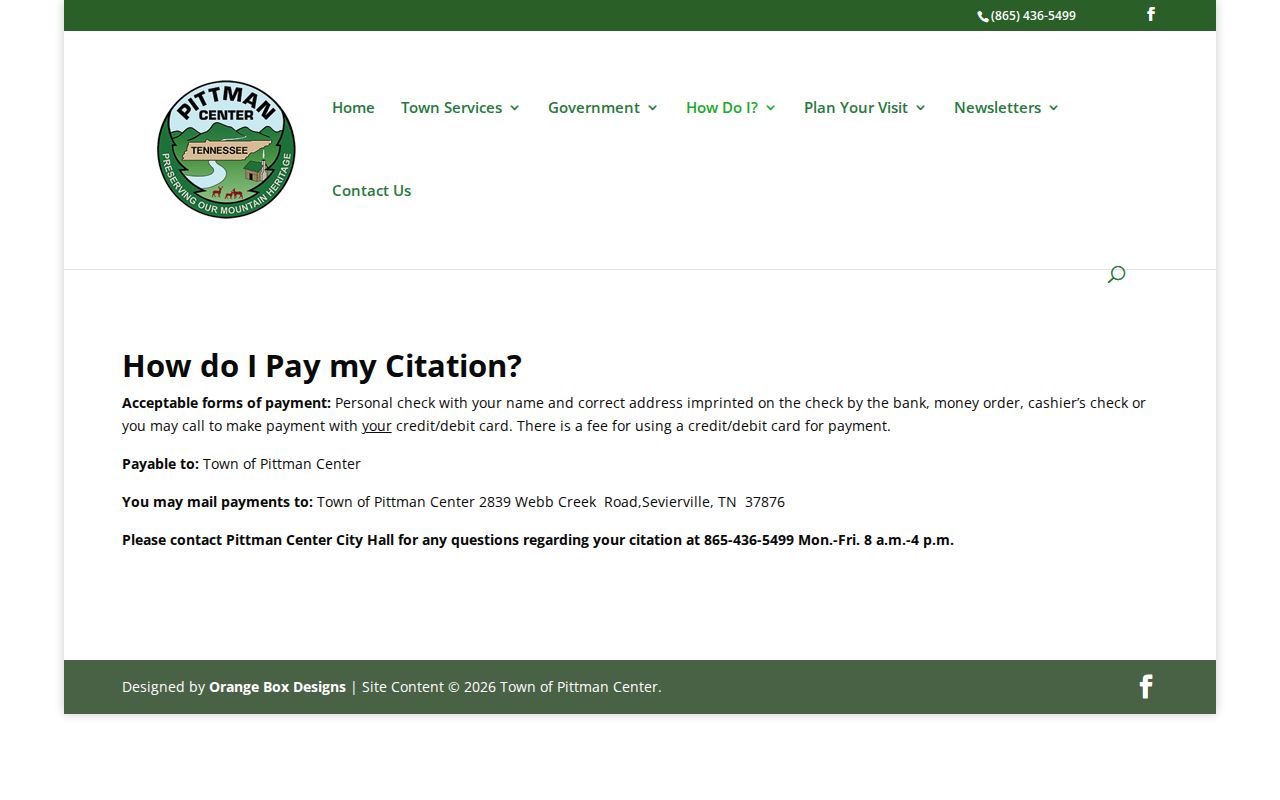
Use the town phone number to confirm current instructions before paying or mailing a document.
See the Pittman Center Police Department page for the town's law-enforcement route.
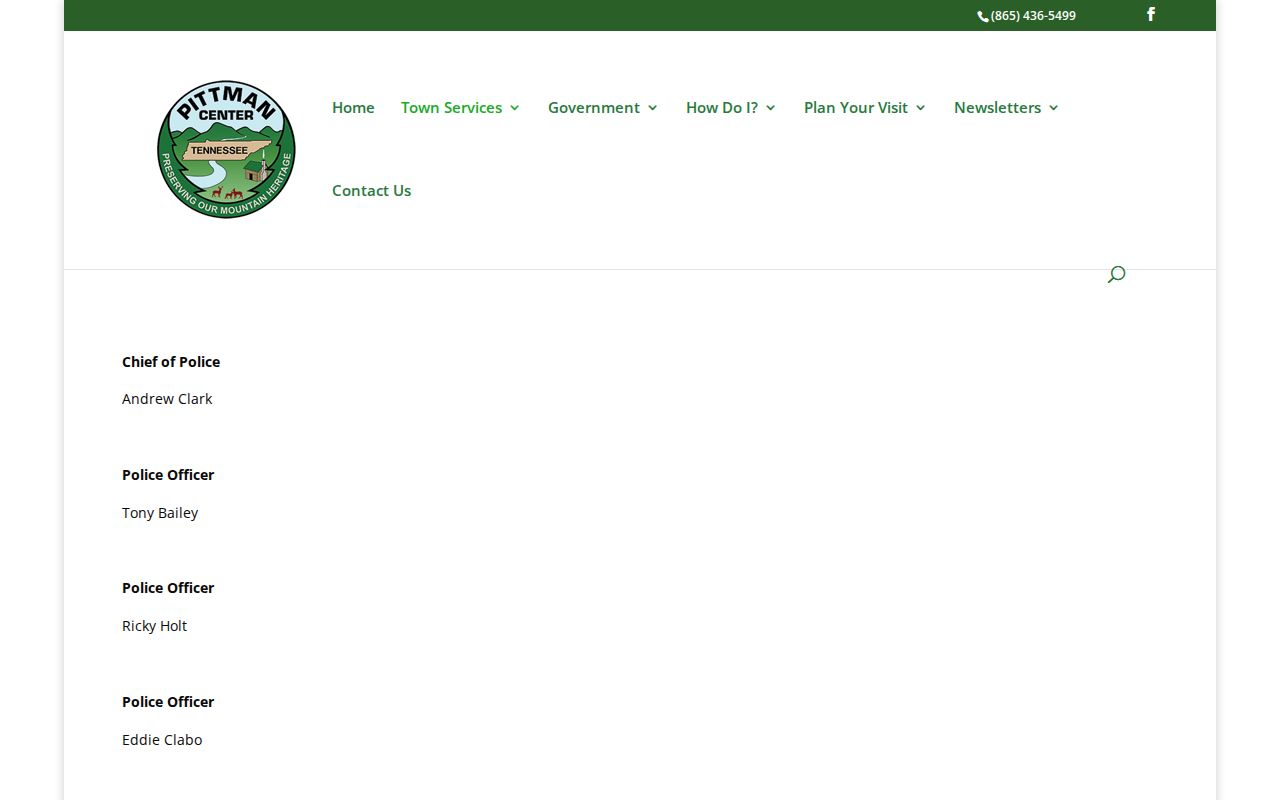
Contact the town directly for a case-specific answer; this page is not a warrant list.